Debtless
The short answer
Before replacing or erasing a device, check the debt app’s documented transfer and recovery options and retain current creditor records. Do not assume that an app without accounts or cloud sync will restore through a service login. A dated inventory provides a fallback for rebuilding the plan if local records are unavailable.
What should you look for in this workflow?
Save the information needed to reconstruct decisions: current balances, rates, required payments, relevant dates, and the chosen budget. Keep documents containing personal information protected. Verify the records on the new device before disposing of the old one when that is possible, and do not promise recovery that the product does not document.
What are the practical steps?
Test the workflow with clear source information and keep the real account record separate from any hypothetical example.
- Review the app’s current backup or transfer guidance.
- Retain a dated account inventory and source statements securely.
- Verify the replacement workflow before erasing the original device.
Which assumption can cause trouble?
Do not put passwords or full account numbers into an ordinary transfer note. Use only needed planning details and appropriate secure storage. A debt app backup question is separate from access to the actual creditor accounts.
What should you check on the replacement device?
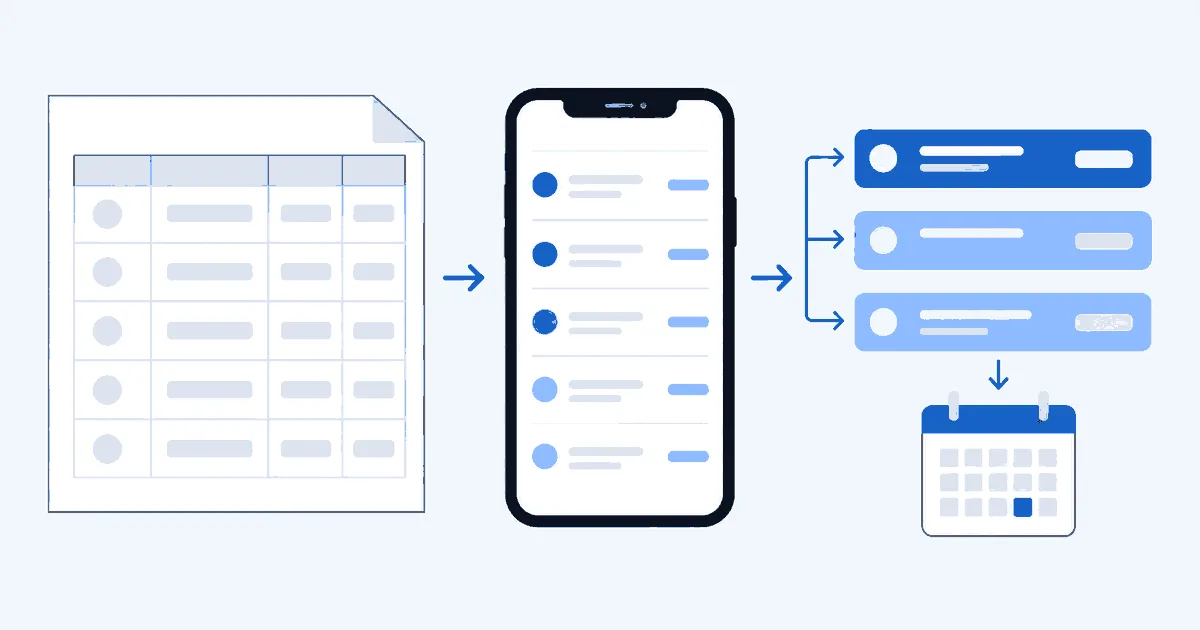
Compare each active account with the retained inventory, then inspect the rate, required payment, and planned extra amount. Check dates and any special notes that affect the forecast. A matching total is necessary but not sufficient because offsetting errors can hide inside it. If the records are reconstructed manually, label the new baseline date and preserve older history separately. Do not assume all past transactions were recovered simply because current balances look right. Completing this review before relying on a new forecast helps keep a device change from silently altering the financial assumptions in the plan.
Worked example · illustrative numbers
Illustrative example: check the workflow
Assume your inventory has balances of $900, $1,400, and $2,200. The reconstruction check is a total of $4,500 across three accounts. If the rebuilt app shows $3,600, the $900 difference suggests an omitted account or entry error that should be resolved before using the new projection.
Put this into practice with Debtless
Debtless is a completely free iPhone debt app with manual entry, reviewed statement scanning, and local payoff projections. It has no subscription, ads, account requirement, bank linking, or cloud sync, and it does not send payments.

Common questions
Does Debtless offer cloud synchronization?
No. Do not rely on cloud sync or an app login to restore Debtless records. Consult its current documentation and keep verified source information available.
What should you check on the replacement device?
Compare each active account with the retained inventory, then inspect the rate, required payment, and planned extra amount. Check dates and any special notes that affect the forecast.
Sources & further reading
General education for U.S. readers, not individualized financial, legal or tax advice. Examples are hypothetical; lender terms and actual interest calculations can differ. Check your current statements and agreements.
Published by Debtless with AI-assisted drafting. How this journal is made · Suggest a correction