 Debtless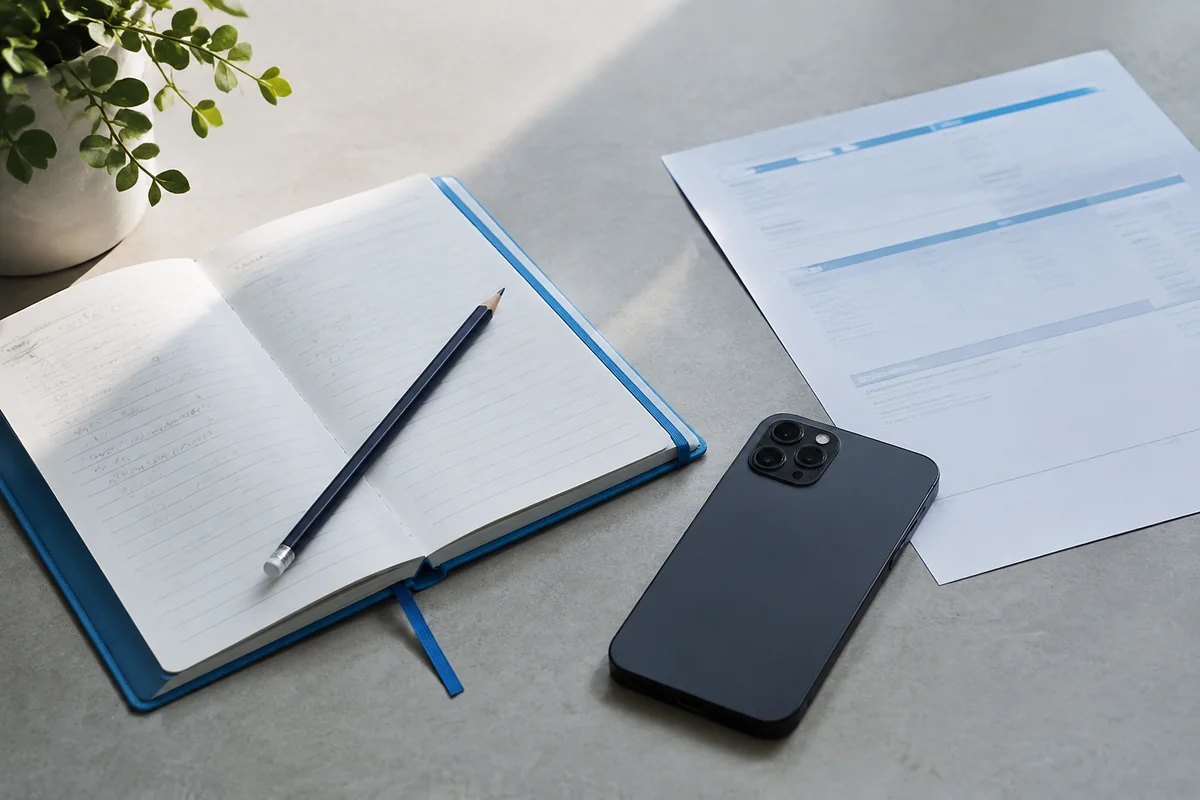
The short answer
A manual debt app can start with statement figures rather than a bank connection. Enter only the information needed for tracking and projections, such as an account nickname, balance, rate, and payment details. Keep bank credentials out of the record and plan a recurring update routine because the data will not refresh automatically.
What should you look for in this workflow?
Manual entry trades automatic importing for direct control over what you enter. The tradeoff is maintenance: new purchases, interest, fees, and posted payments need to be reflected through updates. Begin with one account so you can understand the fields and avoid copying the same mistake across the whole inventory.
What are the practical steps?
Test the workflow with clear source information and keep the real account record separate from any hypothetical example.
- Use a nickname rather than a full account number.
- Copy dated figures from the current statement.
- Schedule a review when the next statement becomes available.
Which assumption can cause trouble?
Do not enter a password into a notes field for convenience. A planning app does not need your bank login to record a balance manually. Use the creditor’s official site or app separately for payment and account verification.
Which information should remain outside the app?
Keep login credentials, full identifying numbers, and original legal documents in storage appropriate to their sensitivity. A debt nickname and relevant financial figures can support ordinary planning without reproducing every field on a statement. Preserve the original statement separately so an unclear term can be checked later. When a balance changes, update from that source rather than from memory. Manual entry works best when the boundary is deliberate: the app holds the planning record, while the creditor account and protected documents remain available for transactions, verification, and details the planning screen does not need.
Worked example · illustrative numbers
Illustrative example: check the workflow
Assume a statement shows a $1,250 balance and a $50 minimum payment. Entering $125 by mistake understates the balance by $1,125. Comparing the saved entry with the statement immediately catches the error before a payoff estimate is treated as meaningful.
Put this into practice with Debtless
Debtless is a completely free iPhone debt app with manual entry, reviewed statement scanning, and local payoff projections. It has no subscription, ads, account requirement, bank linking, or cloud sync, and it does not send payments.

Common questions
Will manual tracking discover new debts automatically?
No. You are responsible for the inventory and updates. Use current statements and other appropriate records to identify accounts that belong in the list.
Which information should remain outside the app?
Keep login credentials, full identifying numbers, and original legal documents in storage appropriate to their sensitivity. A debt nickname and relevant financial figures can support ordinary planning without reproducing every field on a statement.
Sources & further reading
General education for U.S. readers, not individualized financial, legal or tax advice. Examples are hypothetical; lender terms and actual interest calculations can differ. Check your current statements and agreements.
Published by Debtless with AI-assisted drafting. How this journal is made · Suggest a correction